


Introducing our brand new Poll Worker Refresher Course, available now in your Poll Worker Portal through Tenex University.
What is Tenex University? It is an online training Learning Management Solution (LMS) created for election workers to take online courses anytime and anywhere.
Remember, this online Refresher Training Course does not replace your required in-person training prior to each election. This online course is for you to review at anytime, whenever you want to brush up on your Poll Worker skills!
Please read below the step-by-step instructions on how to access this new Refresher Course, within your Poll Worker Portal. If you don’t remember or have not accessed your portal before, please click on the PDF below with instructions on how to access and change your Poll Worker Portal password.
How to Change Your Poll Worker Portal Password
How to Access Poll Worker Refresher Course:
Click on the “Access Poll Worker Portal” dark blue button above, or anywhere else you see the button on our website.
Login to your portal account using your email and password (if you don’t remember your password please refer to the PDF above.)
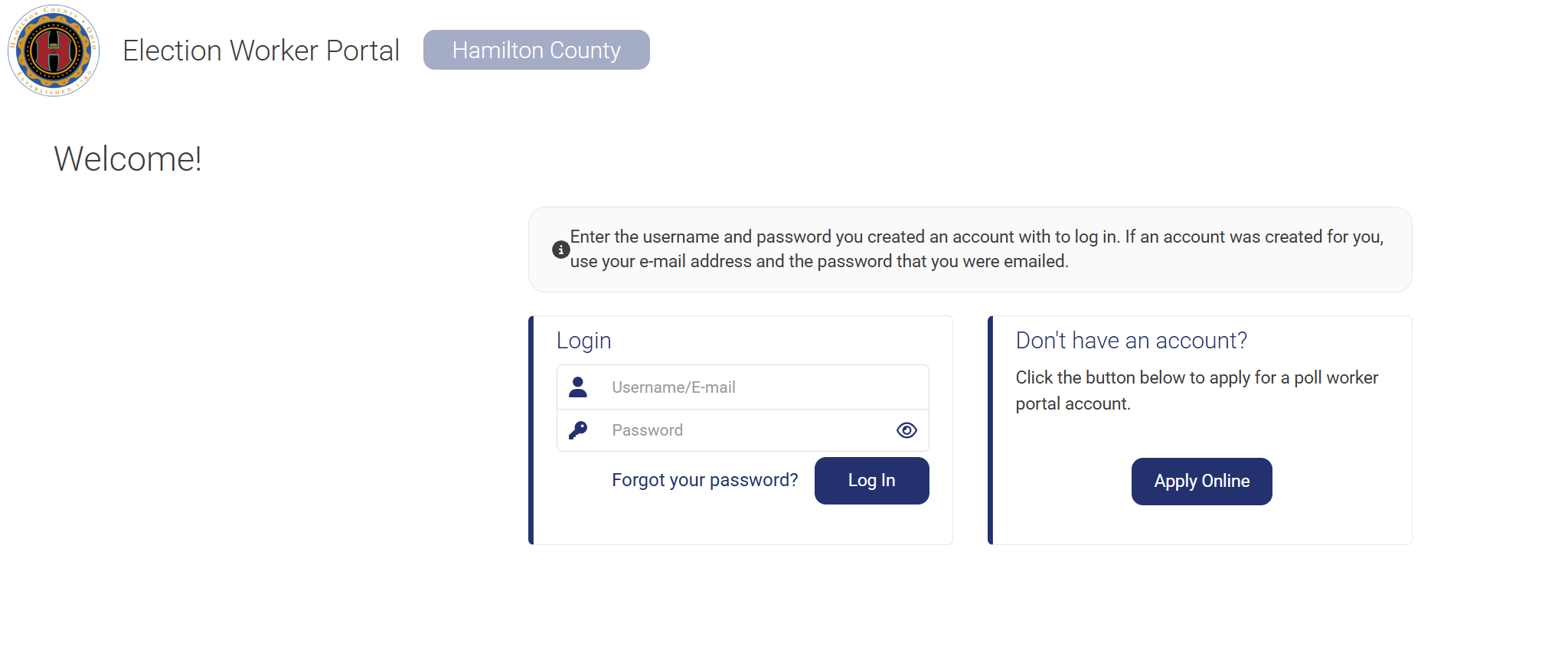
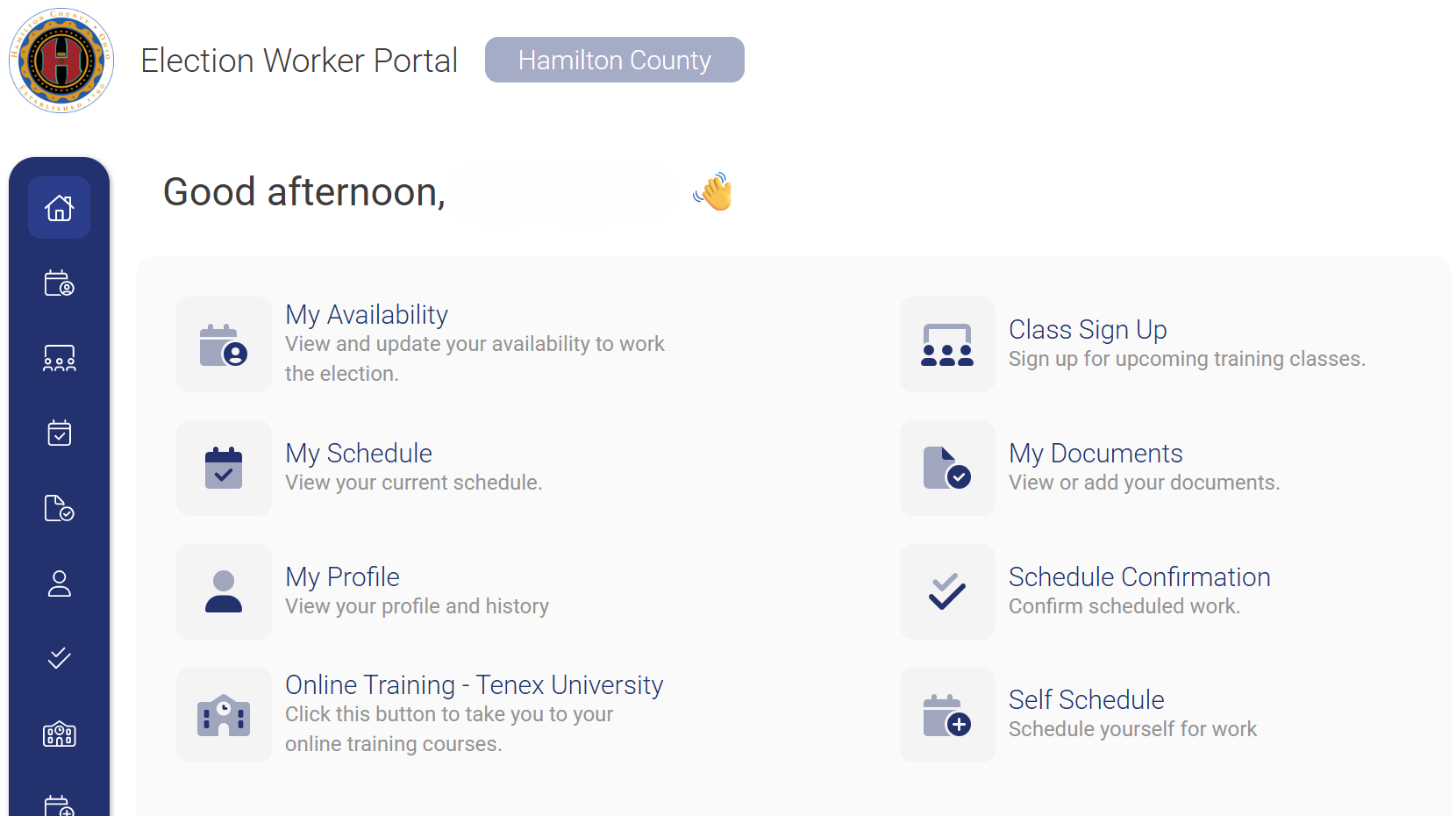
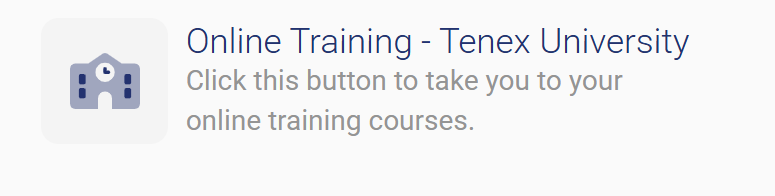
On your Portal home page, click on “Online Training – Tenex University”. It will take you to your Tenex University Dashboard.
On your Tenex University Dashboard, click on the words “Poll Worker Online Refresher” and it will lead you to the course.
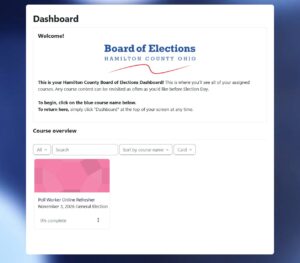
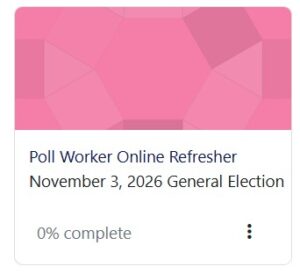
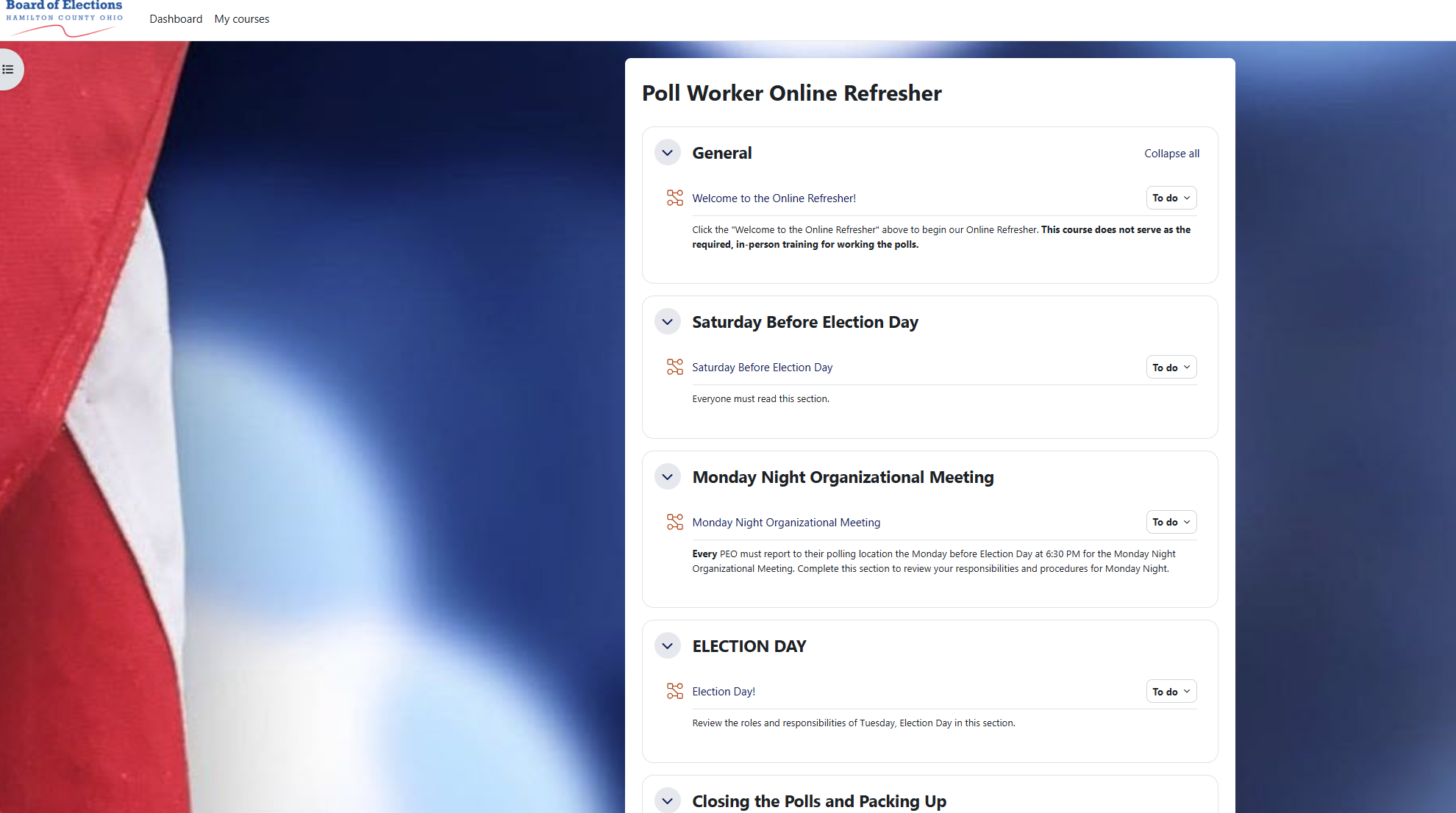
You have the ability to come and go from the refresher whenever you like. To leave the course we suggest hitting the “Dashboard” button in the top left corner on the webpage and it will bring you back to Tenex University’s Dashboard Homepage.
If you have any other questions regarding Tenex University or the Portal, please contact our PEO office.
Please note: At this time the previous Poll Worker Online Refresher course available on our website is no longer active.
Contacts:
Jason or (513) 946-8541
Hayley or (513) 946-8542
Kyle or (513) 946-8505
Olivia or (513) 946-8504